

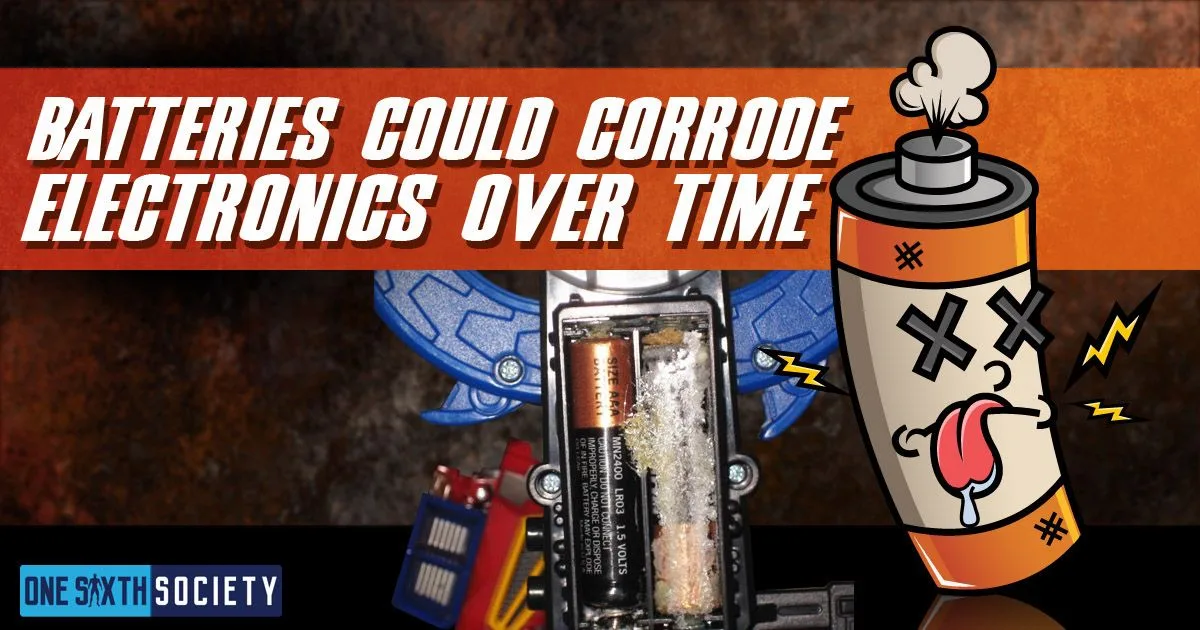
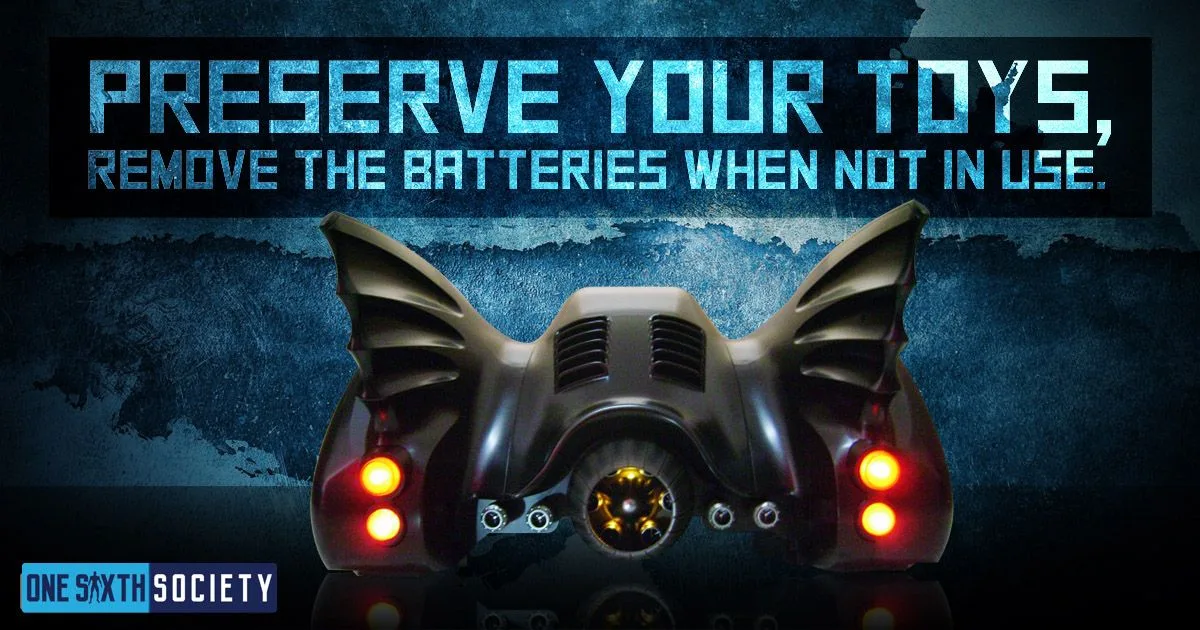
Battery leakage can damage a figure’s contacts, wiring and surrounding finishes. Remove replaceable batteries before long-term storage, use the exact type specified for the collectible and inspect the compartment before powering it again. Switching the lights off does not remove the batteries or their leakage risk.
This guide retains the original 2017 illustrations. The handling advice below has been corrected to distinguish battery chemistry and the materials of the collectible.
Reduce the Risk Before Storing a Figure
Duracell’s battery guidance advises removing exhausted cells promptly and taking batteries out of equipment that will be unused for several months. Replace a set together, observe the polarity markings and do not mix old and new cells or different battery types.
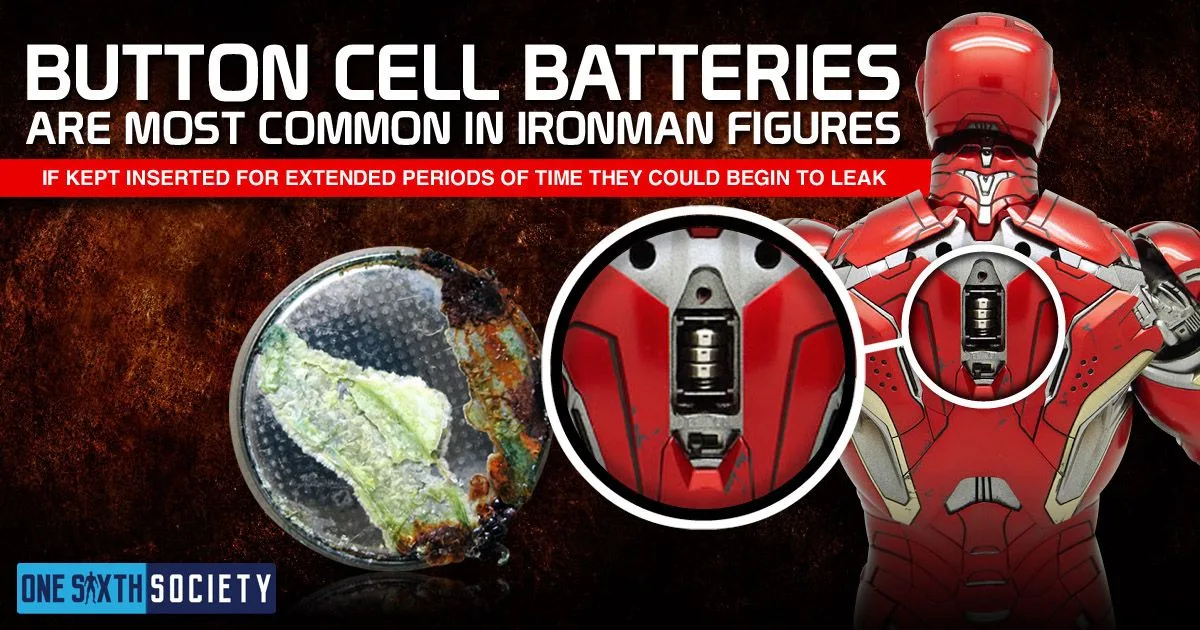
Use the collectible’s instructions to find every compartment: a head, weapon and base may use separate supplies. Keep the battery type and required quantity with the product code in your collection notes. Do not substitute a cell merely because its diameter looks similar.
Storage and Routine Inspection
Store spare batteries in their packaging, dry and at room temperature, away from children and pets. Energizer’s care advice also warns against hot storage locations and charging batteries that are not rechargeable. Keep loose cells away from metal objects that could connect their terminals.
When taking a figure out of storage, inspect the contacts before installing fresh batteries. If the instructions specify a separate USB supply, follow those requirements; the presence of USB lighting does not establish that another compartment is rechargeable.
If You Find Leakage or Corrosion
Stop using the electronics. Avoid direct contact with residue and follow the battery manufacturer’s handling directions, including protective gloves and eye protection. Keep the affected parts away from children and pets.
Do not describe every leak as “battery acid.” Battery chemistries differ. Duracell’s cleanup guidance specifies particular methods for particular types; it is not permission to apply vinegar or lemon juice to any figure. A liquid suitable for exposed contacts may still harm nearby paint, fabric, adhesives or electronics.
Identify the battery first and consult both manufacturers’ instructions. If you cannot remove it safely, cannot identify it, or find damage beyond an accessible compartment, ask the figure manufacturer or a repair professional how to proceed. Do not force a stuck cell out or immerse the collectible. Follow local collection guidance for damaged-battery disposal.
For ordinary surface dust, use our figure and display-case cleaning guide. Our figure-box storage guide covers keeping the collectible and its accessories organized between displays.
Checking a used figure before fitting batteries
Ask for a clear photograph inside each battery compartment before buying an older illuminated figure. A picture of the lights working does not show the condition of the contacts underneath the batteries. Check for visible residue, a missing cover or a damaged screw, and avoid treating an unopened old box as proof that batteries left inside are still sound.
If the compartment looks clean, follow the figure’s instructions for the specified battery type and orientation. Duracell notes that some equipment can appear to work even with a battery inserted incorrectly, so switching on successfully is not a substitute for checking the polarity marks.